


Choose how this workflow starts.
AUGMENT VISION
Scaling the future of vision AI
Operate vision AI from one control layer
Deploy, monitor, and scale camera intelligence across sites, regions, and deployment models from a single platform. Augment Vision gives teams one place to connect video, orchestration, and operational oversight without fragmenting their stack.
500K+cameras monitored
30+countries deployed
120+supported camera brands
Times Square1 cameraDublin1 cameraNew Orleans1 cameraNiagara1 cameraNashville1 camera
Sites by location
Drag a preview or use its arrow keys to move it independently. Hold Shift for larger steps. Paused
 Paused
 Paused
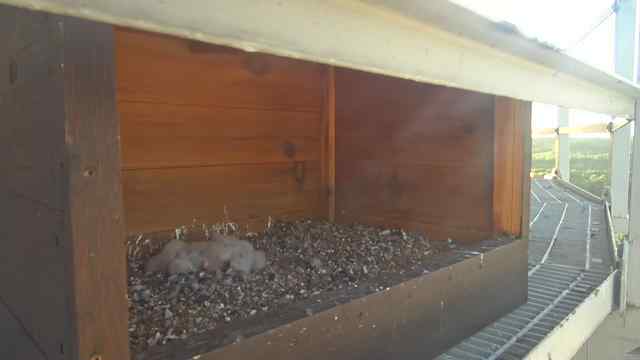 Paused
 Paused
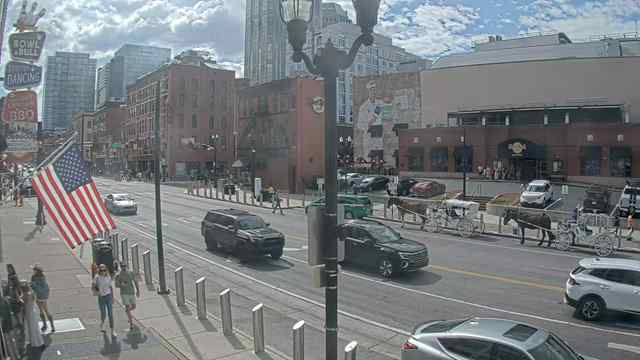 Paused
Hub
Govern every camera, across every location
Organize cameras by tenant, site, and group. Give each user access to exactly what they need, while managing every location from one central Hub.
Filter sites
TenantCity OperationsSites6Cameras6OrganizationLocation based
You are in the driving seat
Record with Agent, store with Vault, and analyze with Hub. Choose where your video lives and how you use it, on-premise or in the cloud.
Extensible and modular at the core
A solid video backbone. A launchpad for your next big idea.
Your models
Your detection. Your inference.
MQTT
Events that reach your devices.
MCP
Video tools for your AI assistants.
Custom integrations
Your APIs and microservices.
Workflows
Your stages. One vision pipeline.
Find every recording with a license plate.
Retrieve recordings tagged "license plate" with a single API request.
Find matching recordings
cURLcurl --fail-with-body --silent --show-error \
--request POST "${HUB_API_URL}/media" \
--header "Authorization: Bearer ${HUB_TOKEN}" \
--header "Accept: application/json; version=2026-01-01" \
--header "Content-Type: application/json" \
--data '{
"filter": { "markers": ["license plate"] },
"pagination": { "limit": 100 }
}'Response / 200 OK
JSON{
"data": {
"media": [
{
"id": "507f1f77bcf86cd799439013",
"deviceKey": "cam-loading-bay",
"markerNames": [
"license plate"
]
},
{
"id": "507f1f77bcf86cd799439015",
"deviceKey": "cam-north-gate",
"markerNames": [
"license plate"
]
}
]
},
"metadata": {
"pagination": {
"limit": 100,
"hasMore": false
}
}
}Drop your own microservice into the workflow
Wrap any computer-vision task as a stage — ANPR, object detection, quality inspection — and compose it straight into a workflow, right next to the built-in nodes.
Detect and track objects in a recording.
Your own microservice, in any language.
Describe a recording with a vision model.
Send results to your own integration.
Layered Enterprise Security
Trusted identity. Scoped access. Encrypted data.
Connected visibility. A zero-CVE security goal.
Hover a layer to explore. Tap or use the keyboard to keep it open.Tap a layer to explore its security controls.
Authentication
Sign in with the identity your team already trusts. OpenID Connect verifies the user; Hub matches an existing account.